Mixing and Utility
Mix 8
An eight-channel stereo mixer: each channel has a level that flips its polarity below the centre, a pan and a mute, then a master level.
A module: it runs in the Case, in OA FX Rack and every synth, and is never a plugin of its own.
free
Every control, as its hover label says it in the plugin.
| Control | What it does | Range | Default |
|---|---|---|---|
| 1 | Its input's level: at the centre it is silent, turned right it adds the input, turned left it adds it flipped. | -1 to 1 gain | 1 gain |
| 2 | Its input's level: at the centre it is silent, turned right it adds the input, turned left it adds it flipped. | -1 to 1 gain | 1 gain |
| 3 | Its input's level: at the centre it is silent, turned right it adds the input, turned left it adds it flipped. | -1 to 1 gain | 1 gain |
| 4 | Its input's level: at the centre it is silent, turned right it adds the input, turned left it adds it flipped. | -1 to 1 gain | 1 gain |
| 5 | Its input's level: at the centre it is silent, turned right it adds the input, turned left it adds it flipped. | -1 to 1 gain | 1 gain |
| 6 | Its input's level: at the centre it is silent, turned right it adds the input, turned left it adds it flipped. | -1 to 1 gain | 1 gain |
| 7 | Its input's level: at the centre it is silent, turned right it adds the input, turned left it adds it flipped. | -1 to 1 gain | 1 gain |
| 8 | Its input's level: at the centre it is silent, turned right it adds the input, turned left it adds it flipped. | -1 to 1 gain | 1 gain |
| Pan | Balance: turned one way it cuts the other side, keeping the input's own image. | -1 to 1 pan | 0 pan |
| Pan | Balance: turned one way it cuts the other side, keeping the input's own image. | -1 to 1 pan | 0 pan |
| Pan | Balance: turned one way it cuts the other side, keeping the input's own image. | -1 to 1 pan | 0 pan |
| Pan | Balance: turned one way it cuts the other side, keeping the input's own image. | -1 to 1 pan | 0 pan |
| Pan | Balance: turned one way it cuts the other side, keeping the input's own image. | -1 to 1 pan | 0 pan |
| Pan | Balance: turned one way it cuts the other side, keeping the input's own image. | -1 to 1 pan | 0 pan |
| Pan | Balance: turned one way it cuts the other side, keeping the input's own image. | -1 to 1 pan | 0 pan |
| Pan | Balance: turned one way it cuts the other side, keeping the input's own image. | -1 to 1 pan | 0 pan |
| Mute | Silences its input in the mix; its level stays where it is. | Off, On | Off |
| Mute | Silences its input in the mix; its level stays where it is. | Off, On | Off |
| Mute | Silences its input in the mix; its level stays where it is. | Off, On | Off |
| Mute | Silences its input in the mix; its level stays where it is. | Off, On | Off |
| Mute | Silences its input in the mix; its level stays where it is. | Off, On | Off |
| Mute | Silences its input in the mix; its level stays where it is. | Off, On | Off |
| Mute | Silences its input in the mix; its level stays where it is. | Off, On | Off |
| Mute | Silences its input in the mix; its level stays where it is. | Off, On | Off |
| Master | The whole mix's level, before the VCA; at the bottom it is off. | -60 to 6 dB | 0 dB |
| VCA | The master VCA: with nothing patched it is fully open; a cable sets the mix's level, each side on its own. | 0 to 1 | OPEN |
The pedal as the plugin draws it: each of its looks.
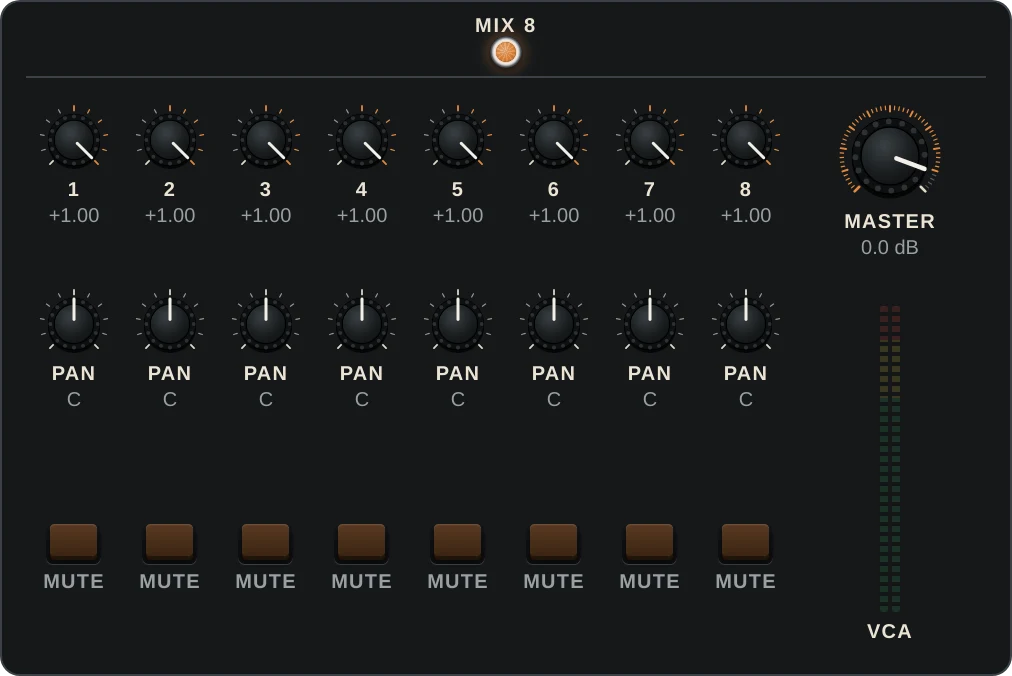
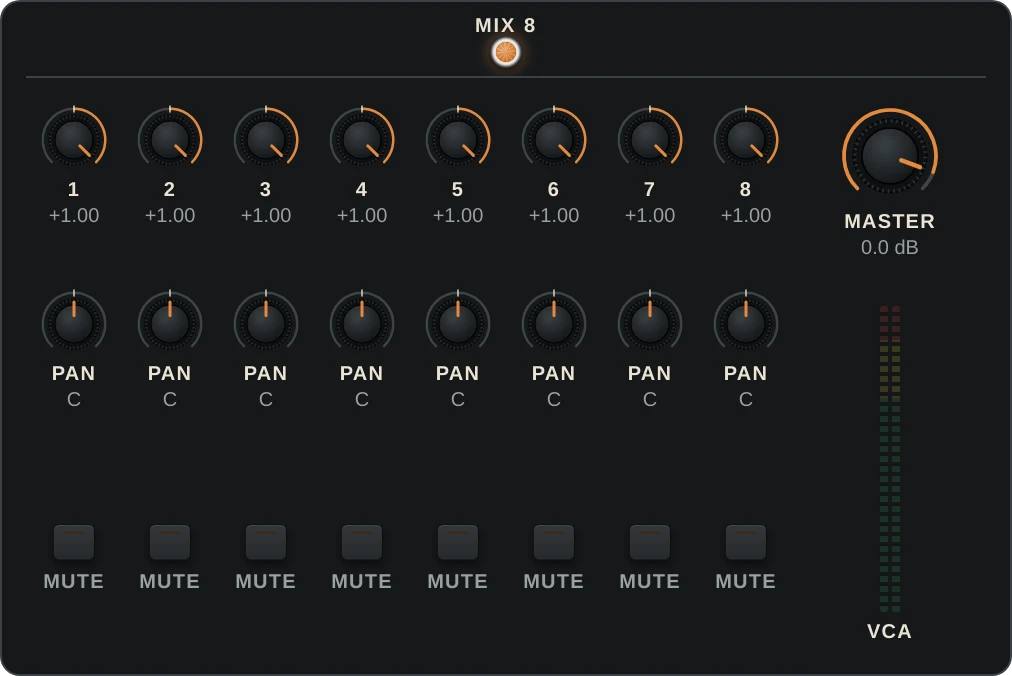
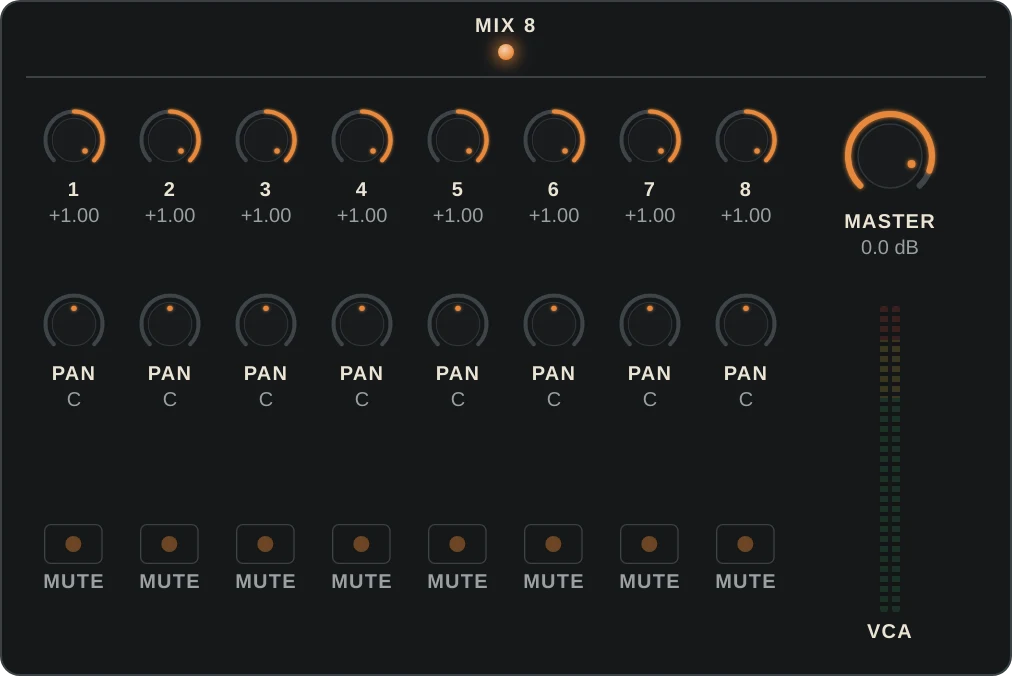
What goes in and what comes out.
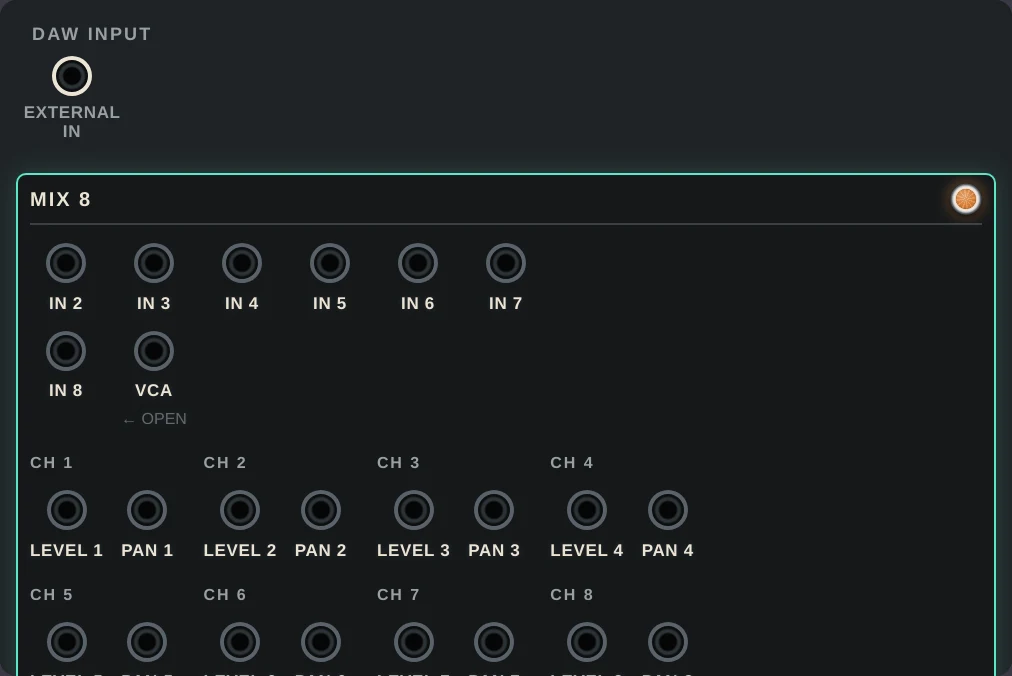
- In 1In
Channel 1's input, in stereo.
- In 2In
Channel 2's input, in stereo.
- In 3In
Channel 3's input, in stereo.
- In 4In
Channel 4's input, in stereo.
- In 5In
Channel 5's input, in stereo.
- In 6In
Channel 6's input, in stereo.
- In 7In
Channel 7's input, in stereo.
- In 8In
Channel 8's input, in stereo.
- OutOut
The mix, in stereo: every channel through its level, pan and mute, then the master and the VCA.